
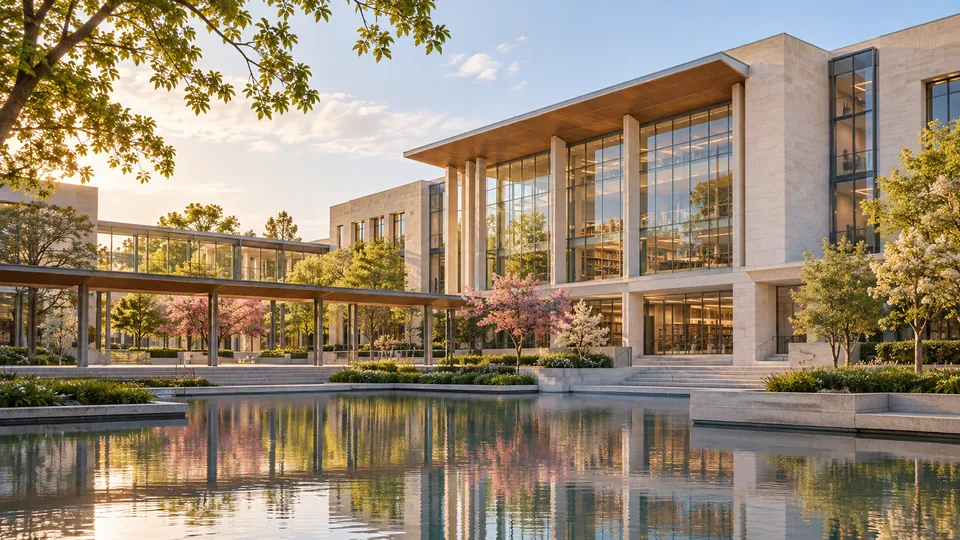

 Auditorium
 Cafeteria
 Computer Labs
 Hostel
 Medical
 Science Labs
 Sports Complex
 Study Library
What JIMS Vasant Kunj lists as campus facilities
The JIMS Vasant Kunj home page groups several campus features under “Facilities at JIMS”: computer labs, a library, community radio, a mass-communication studio, a cafeteria and smart classrooms. It also links to clubs and societies. The institute’s infrastructure page describes those facilities as serving the campus’s BBA, BCA and BA(JMC) programmes. These are campus-level descriptions, not a current inventory of every room, device, service hour or student entitlement.
The official pages reviewed on 6 November 2026 do not provide a current access schedule or a dated equipment audit. The institute page still mentions legacy computer software and configurations, so those details should not be treated as the present-day specification. Ask for current arrangements before relying on a facility for coursework, accessibility or daily life. This campus is JIMS Vasant Kunj in New Delhi; similarly named JIMS sites in Rohini and Greater Noida are separate locations. JIMS Vasant Kunj facilities · Institute infrastructure
Computer labs: confirm the tools used in your course
JIMS lists computer labs among its facilities, and its infrastructure page connects the campus facilities to the three undergraduate programmes. That tells applicants the institute describes computing space on campus; it does not establish which laboratory a student’s class uses, whether access is open outside scheduled sessions, how many machines are currently operational, or which software versions are installed. The older infrastructure text includes dated hardware and software references, which is a reason to request an updated answer rather than to plan around the listed configuration.
For BCA, ask the department which labs support the current curriculum, how laboratory sessions are scheduled, whether students can use machines for project work outside class, and whether required development tools are available under current licences. Ask how students are expected to work when a lab is closed or equipment is unavailable. For BBA and BA(JMC), confirm whether shared labs support a required module or an optional activity. These questions help you compare practical access without assuming that a published facility list guarantees individual use. JIMS institute infrastructure
BA(JMC) spaces: ask about studio practice and radio access
The JIMS home page lists a mass-communication studio and community radio. The institute description characterizes the studio as an audio-visual space for activities such as shooting, anchoring, panel discussions, interviews and group discussions. This indicates the kind of work the space is meant to support, but it does not establish current booking rules, equipment inventory, technical support, class capacity or whether every student can reserve time independently.
A BA(JMC) applicant can ask which required subjects use the studio, how practical sessions are allocated, whether students can borrow cameras or audio equipment, and what supervision or safety rules apply. For community radio, ask how students participate, whether participation is curricular or extracurricular, and how production time is scheduled. The home page’s facility list is not a promise of a particular broadcast role or production opportunity. Request current departmental guidance if your decision depends on hands-on media practice, especially if you need a specific accessibility arrangement or schedule. JIMS Vasant Kunj
Library, classrooms and shared campus spaces
JIMS lists a library and smart classrooms on its home page. Its institute page contains older counts for books, journal subscriptions and classroom equipment, so this guide does not repeat them as current figures. Ask the library about its present opening hours, borrowing limits, digital-resource access, course reserves and quiet-study seating. Confirm whether students can use the library between classes and during exam periods, and whether any resources require a separate login or campus network.
For smart classrooms, ask how teaching spaces are scheduled and whether students can access presentation or recording equipment outside class. The cafeteria is also listed, but current meal prices, dietary choices, operating hours and payment options are not established by the pages reviewed. If a service affects a health, dietary, mobility or learning need, contact the relevant office and request the current arrangement in writing. A facility name on a website is a useful starting point; it is not proof of operating hours, available capacity or fit for an individual applicant. JIMS facilities page
What to verify before you choose the campus
Before accepting an offer, make a short programme-specific facilities checklist. Ask the department which labs, studio sessions, library resources or student spaces are built into the timetable and which require separate permission. If you need after-hours access, specialist software, equipment loans, accessible routes, assistive technology or a particular food option, request the policy and responsible contact rather than assuming the website list answers the question.
If you visit, compare what you can see with the current information from the department: confirm that the room is in use, ask who schedules access, and check whether the facility is shared across programmes. If the campus cannot confirm a current facility specification, treat it as unverified when comparing schools. The official JIMS site gives a high-level map of facilities, but the pages reviewed do not state current opening hours, booking terms, equipment refresh dates, cafeteria prices or access guarantees. Get those details directly from the campus before making them part of your decision.