

 Campus Security
 Campus Wi-Fi
 Communication Centre
 Smart Classrooms
 Study Library
Campus spaces are organised around practical work
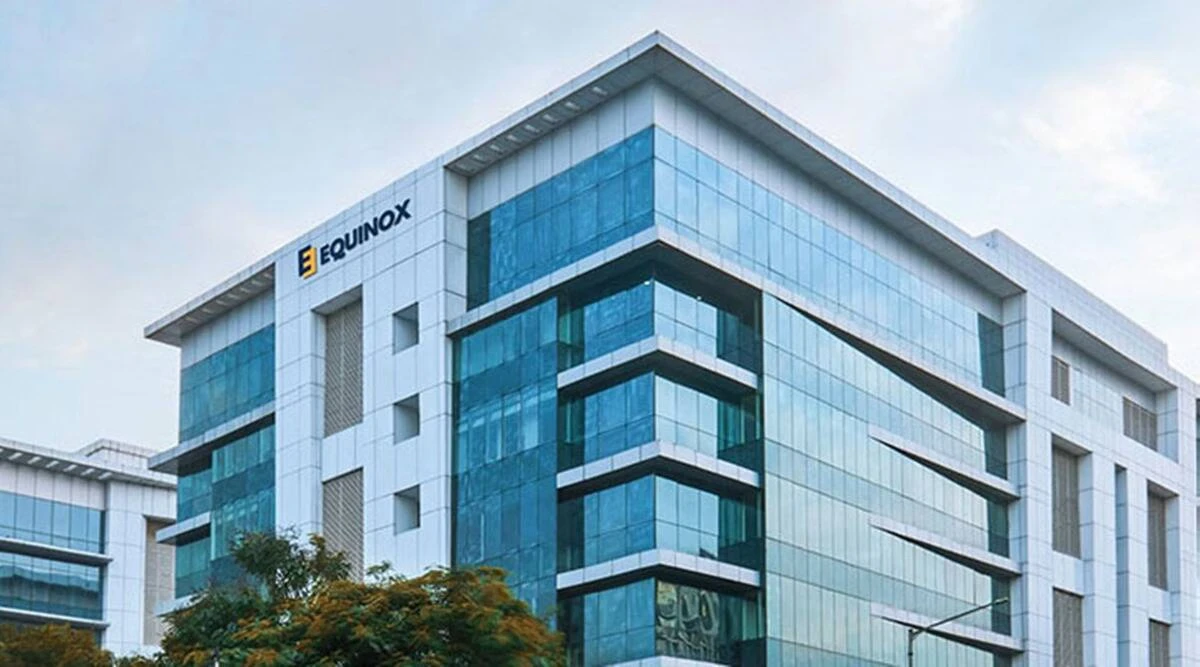
ATLAS describes its Mumbai campus as a 12,000-square-metre area off the Bandra-Kurla Complex, with more than 30 studios and research and innovation labs. The campus page lists fashion labs, maker spaces, robotics labs, digital labs, 3D-printing labs and design studios. Treat these as the university's published campus description, not a statement that every space is available to every student or that all equipment is included in each course. ATLAS campus facilities
The page describes design studios as spaces for prototyping, collections and portfolio work, and describes entrepreneurship and innovation labs with incubator, ideation, mentoring and MVP-showcase activity. For technology, the page describes AI, data and coding labs, coding pods and digital simulation environments. These descriptions suggest different types of practical spaces across schools; they do not publish room capacities, timetables, machine specifications or booking priority.
Before choosing a programme, ask the school which rooms are used in the modules you will take, whether access is scheduled or open, what safety induction is needed, and whether project materials or software licenses are included in fees. A campus tour can show the physical spaces, but ask current students or the school how often the relevant lab is used in the actual curriculum. ATLAS campus facilities
Library access includes physical and digital services
The ATLAS Library page describes resources distributed across ISME, ISDI and uGDX, covering management, business, design and technology. Its listed services include online membership, book borrowing, inter-library loans, open access browsing and a WebOPAC catalogue. It also describes remote access to journals and databases through Knimbus, a DSpace digital repository, RFID lending and returns, and plagiarism-check services. These are published service descriptions; the page does not give a full subscription list or guarantee that every database is available off campus to every course. ATLAS Library
The page also lists an E-Zone with desktop computers and software, high-speed internet, reference and referral support, library orientation, a reading hall, and a research area for PhD scholars. Course reading lists are described as available through the library. BBA students have a specifically named book-bank facility, so do not assume the same long-term textbook borrowing arrangement applies to every programme.
The posted library schedule says the circulation desk operates from 8:00 a.m. to 6:00 p.m. and the reading hall from 7:00 a.m. to 10:00 p.m., except Sundays and holidays. Because hours can change during examinations, vacations or special events, confirm the current schedule before planning a visit. The page states that students, faculty, visiting faculty and staff are entitled to membership, and that students may borrow up to two books for seven days. Ask about renewal, reservations and current overdue charges directly with the library. ATLAS Library
Check programme fit rather than counting amenities
A long facilities list is useful only if it connects to the course you plan to study. Design applicants can ask to see the studios and equipment used in their specialisation, whether projects may be photographed for a portfolio, and how students reserve shared work areas. Technology applicants can ask which AI, data, coding or robotics facilities are part of required modules and whether access is available outside scheduled classes. Business students can ask how incubator or entrepreneurship spaces relate to assessed projects and mentoring. These are questions for the school because the public campus page does not publish a single university-wide access schedule.
For research, confirm which library resources and databases are licensed for the programme, how remote access works, and whether the course reading list is available before the semester begins. If you need specialised materials, ask whether an inter-library loan is possible and how long delivery usually takes. PhD scholars should confirm the research-area eligibility and support arrangements with their supervisor or programme office.
The published campus material does not specify the number of computers, lab hours, room capacity, equipment brands, accessibility features or student-to-facility ratios. Do not infer those details from photos or broad descriptions. Ask for the exact lab list and current access rules for your school, then compare those details with the practical work required by your curriculum.
What to verify during a campus visit
Plan a visit around the spaces that matter to your course. Ask admissions to confirm which building houses your school and whether a class or lab demonstration can be included in the visit. Check the journey to campus at the times you expect to travel, and ask what facilities are available during breaks between classes. If you need a quiet study area, inspect the reading hall and ask about seat availability during peak assessment periods. If you use a particular software or device, ask whether it is available in the relevant lab or whether students bring their own.
The public sources reviewed here describe studios, labs and library services, but they do not provide a complete inventory of medical, dining, sports, accommodation or security facilities. Ask the university for current details, costs and access conditions for any of those services before making a housing or budget decision. The campus description mentions the Bandra-Kurla Complex area, but it does not establish a commute time or guarantee that nearby commercial facilities are part of the university campus.
Use the campus page as an introduction, then confirm programme-specific access in writing with the school. For library hours, borrowing rules and digital access, check the library page and confirm any term-time changes directly. This keeps a tour, web description and the actual student entitlement separate.